
Documents
Make photographed pages, forms, receipts, and notes easier to read.
Upload an image or PDF and let our AI enhancer improve blurry, faint, or low-contrast text. Compare the original image with the clearer result, then download the version you prefer.
Images or PDF · up to 10 pages
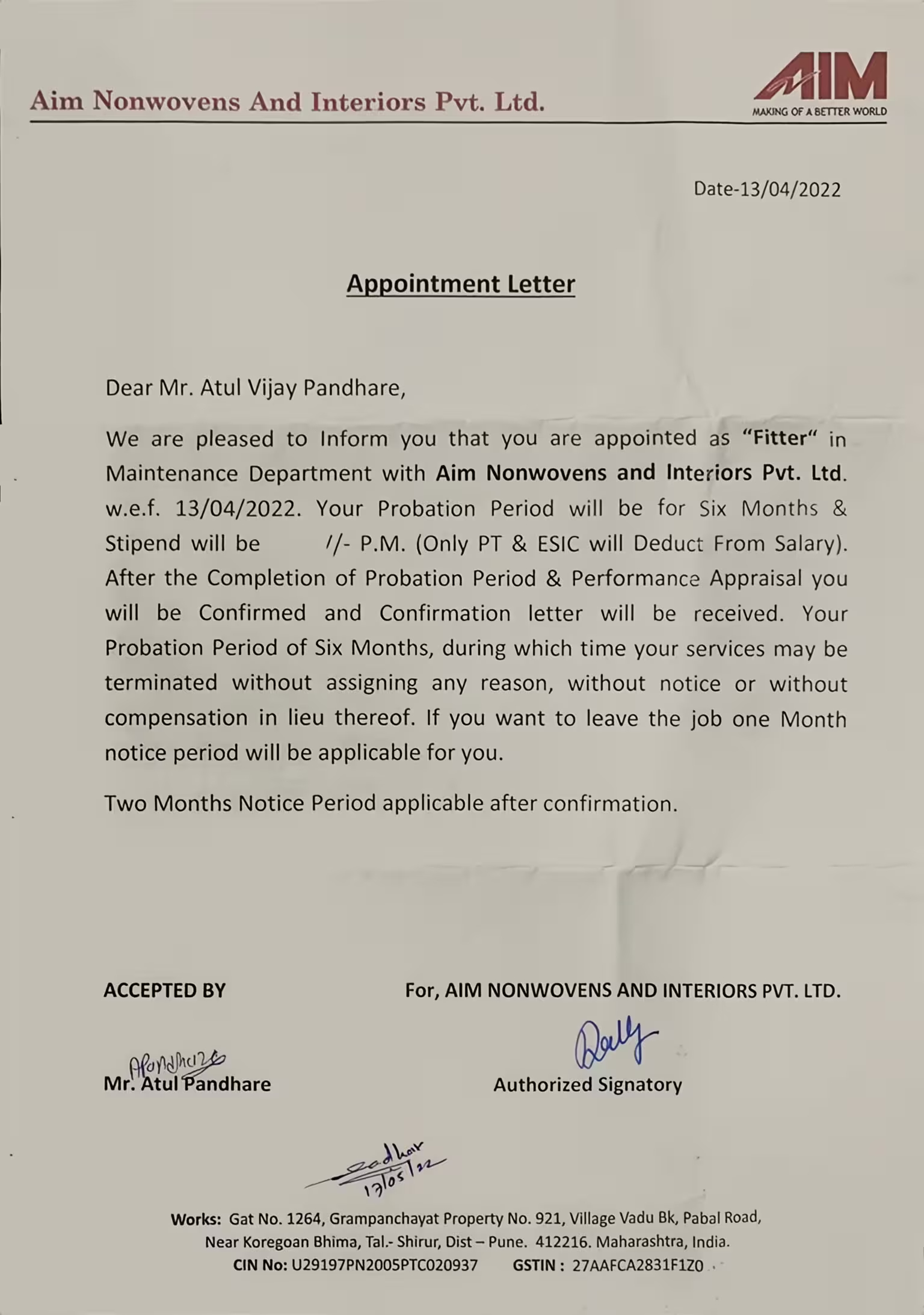
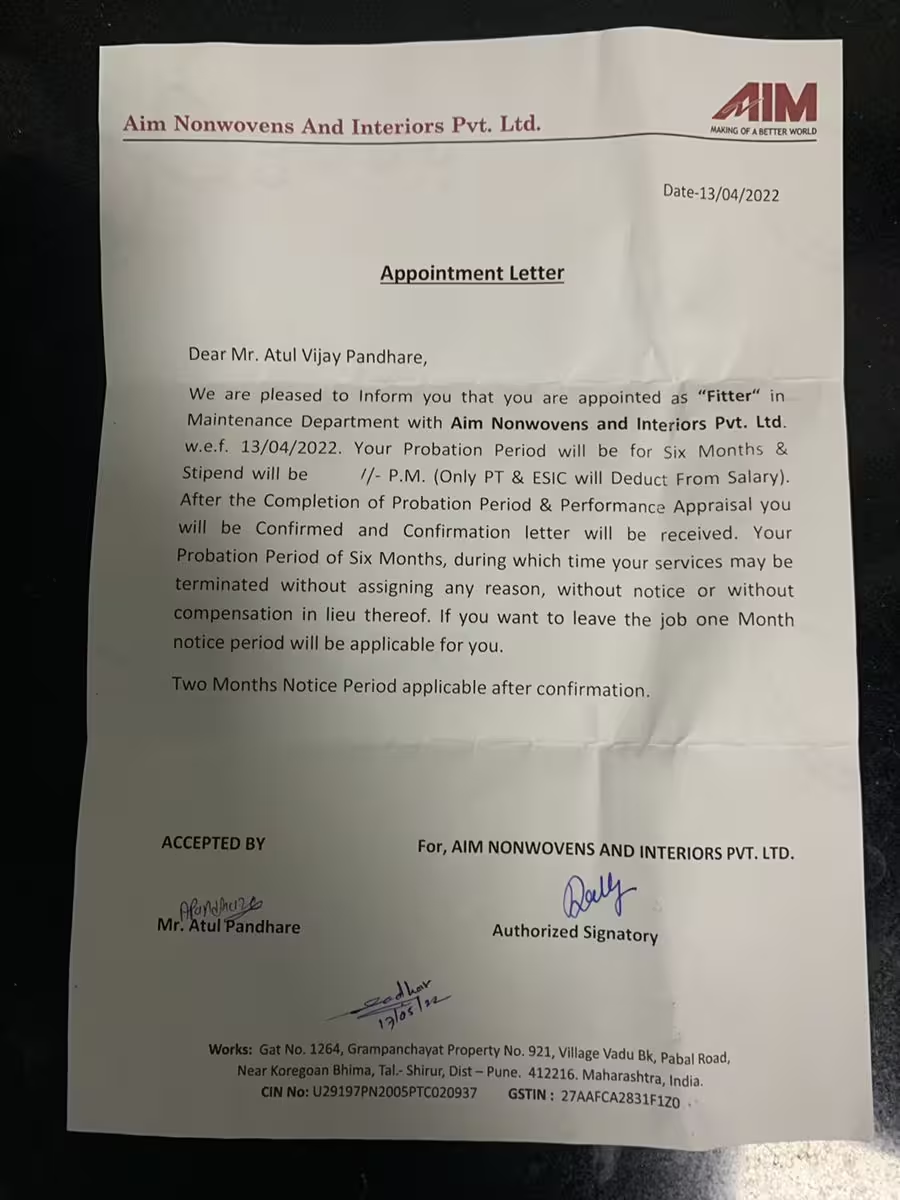
Use cases
Improve hard-to-read words and numbers across everyday images, captured pages, and visual content.
Make photographed pages, forms, receipts, and notes easier to read.
Improve small interface text, messages, and captured on-screen details.
Clarify words and numbers on packaging, signs, menus, and product labels.
Bring more clarity to faded copies and older printed material.
Simple AI workflow
The AI enhancer turns hard-to-read writing into a clearer image directly in your browser, with no complicated editing workflow.
Choose a JPG, PNG, WebP, or PDF file. Upload one image or prepare several pages in the same AI enhancement session.
Upload nowLet the AI image enhancer improve the visibility of letters, numbers, and nearby details automatically. No manual sharpening or complicated settings are required.
Use the slider to compare the original image with the enhanced version. When the text looks right, download the clearer result to your device.
AI image enhancement
The text enhancer improves readability while keeping the visual context, spacing, and structure of the original image or document page.
AI processing can improve text that looks soft after a photo was taken, an image was resized, or a file was compressed. The image enhancer strengthens visible character details so words and numbers are easier to inspect without manual sharpening controls.
Upload to start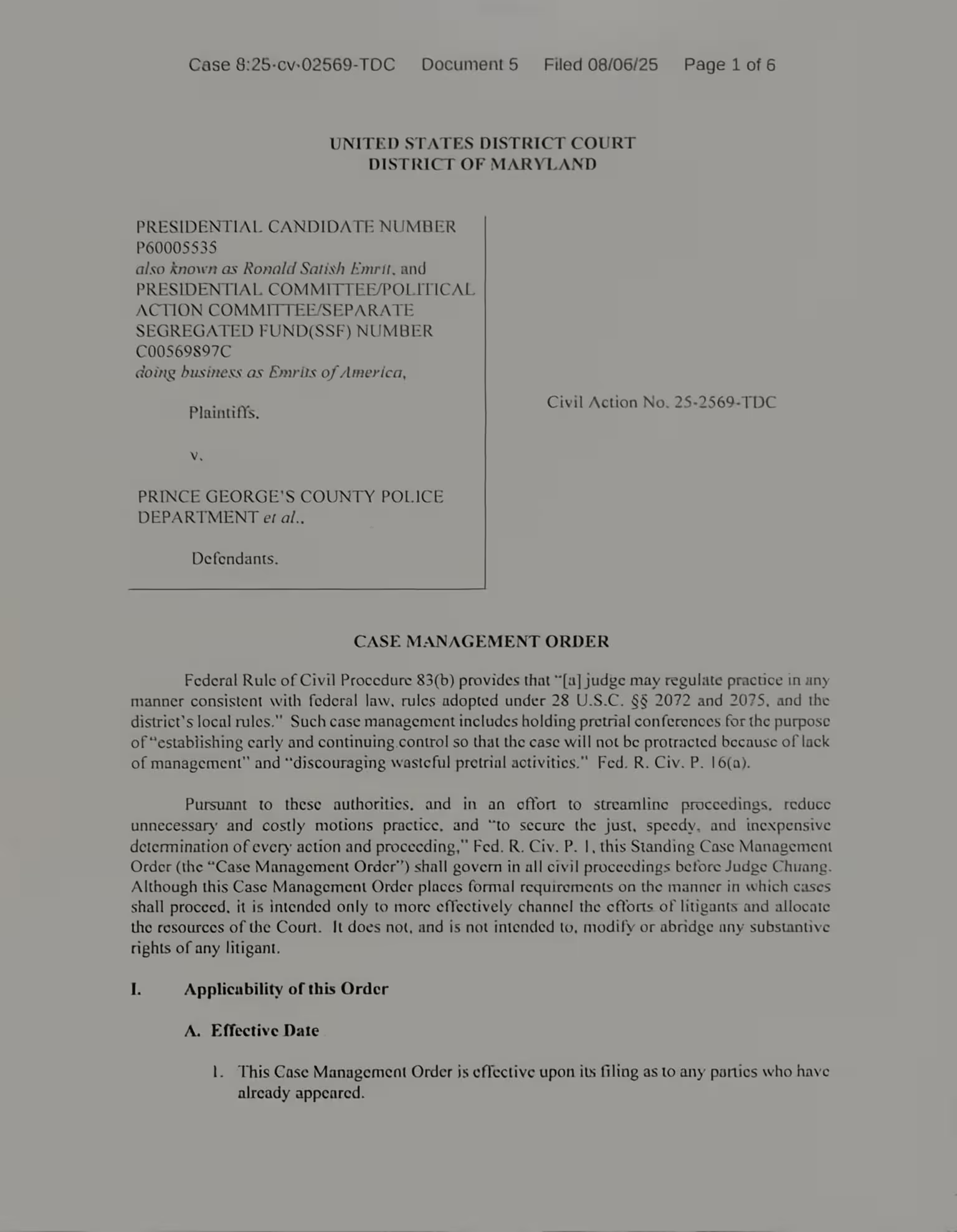
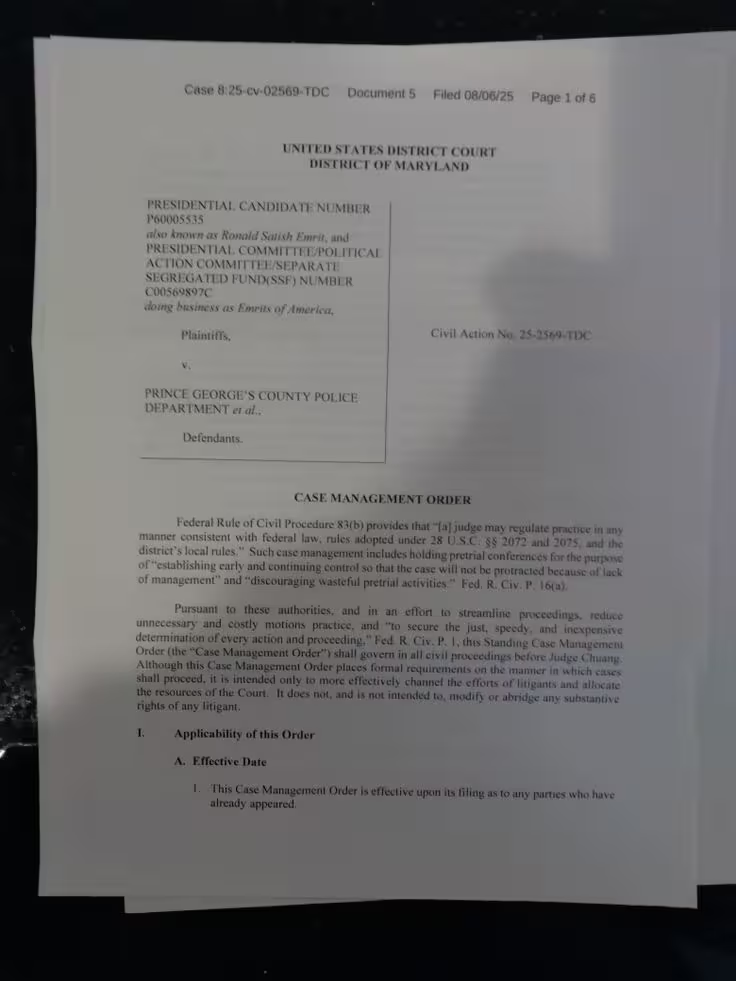
The AI enhancer helps text stand out from uneven, washed-out, or distracting backgrounds. It is useful for a photographed page, sign, label, screenshot, receipt, form, or any image where writing does not separate cleanly from its surroundings.
Upload to start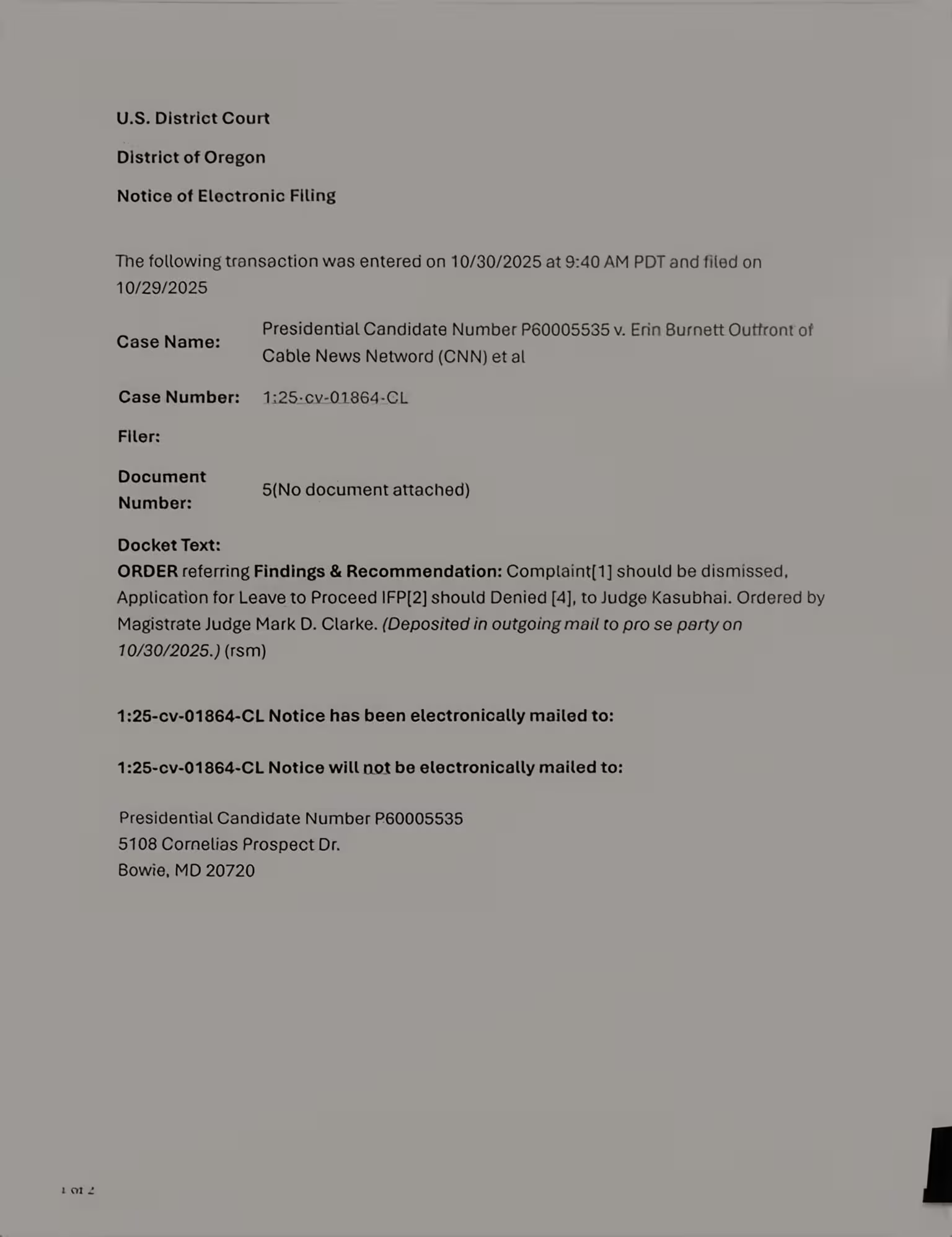
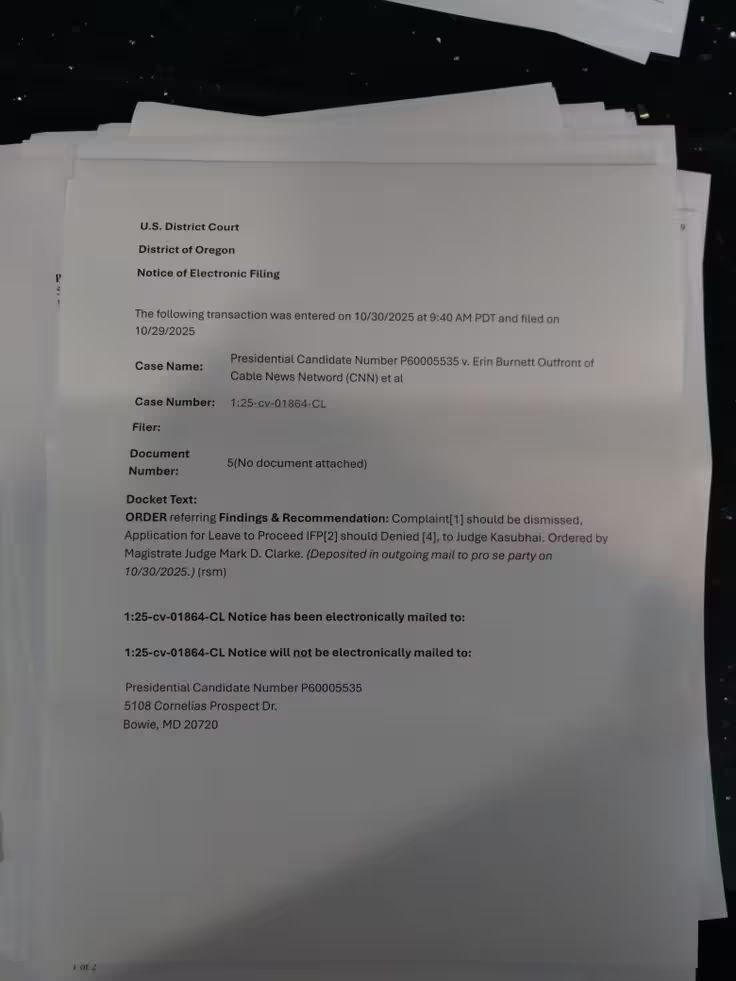
Enhance readability while retaining the page layout and nearby visual details. Instead of extracting words into a separate file, the AI text enhancer returns an improved image that you can compare with the original before downloading.
Upload to startHelpful answers about using an AI image enhancer for clearer writing in images and PDF pages.
An AI text enhancer improves the visual clarity of writing inside an image. The AI analyzes visible character details, contrast, and nearby visual information, then produces an enhanced image rather than replacing the original layout with plain text. It can make blurry, faint, compressed, or low-contrast writing easier to inspect.
You can use the AI image enhancer for printed words, numbers, labels, signs, screenshots, scanned pages, photographed documents, receipts, forms, notes, and similar visual content. Results depend on the usable detail in the source image, so mildly blurred or faded text is a better starting point than writing that is completely hidden or missing.
The AI enhancer accepts JPG, PNG, and WebP image files, as well as PDFs. An individual image can be up to 10 MB, a PDF can be up to 50 MB, and the current interface supports preparing up to 10 pages or files in one session.
Yes. Upload a PDF and its pages will appear in the preview area, where you can switch between them and review each AI-enhanced image. The enhancer lets you work with a multi-page document without preparing every page separately beforehand.
You can prepare multiple image files or PDF pages in the same AI enhancement session and move between them using the thumbnail panel. The number of files the enhancer can process together may depend on your account plan; free access may be limited to one page at a time.
The AI text enhancer is designed to improve the appearance and visibility of existing writing, not rewrite its meaning. An enhanced image may still contain imperfect character details when the original is extremely blurry, very small, or partly hidden, so always compare important information with the source.
The AI image enhancer works best when some original lettering remains visible. It can improve clarity and contrast, but no enhancer can reliably recover text that is completely covered, cropped out, or missing from the source image.
The current enhancer improves the image itself and returns a clearer visual result; it does not extract writing as editable text. You can send the enhanced image to a separate OCR tool afterward if you need searchable or copyable content.
After AI processing, choose a page and drag the comparison slider across the preview. This lets you check whether the writing is easier to read and whether the surrounding image still looks right before downloading the enhancer result.
Only upload an image or document that you are authorized to process, and avoid highly sensitive information unless you are comfortable with the AI service described in our Privacy Policy. Files must be sent to the enhancer to produce results, so review the policy before uploading confidential material.
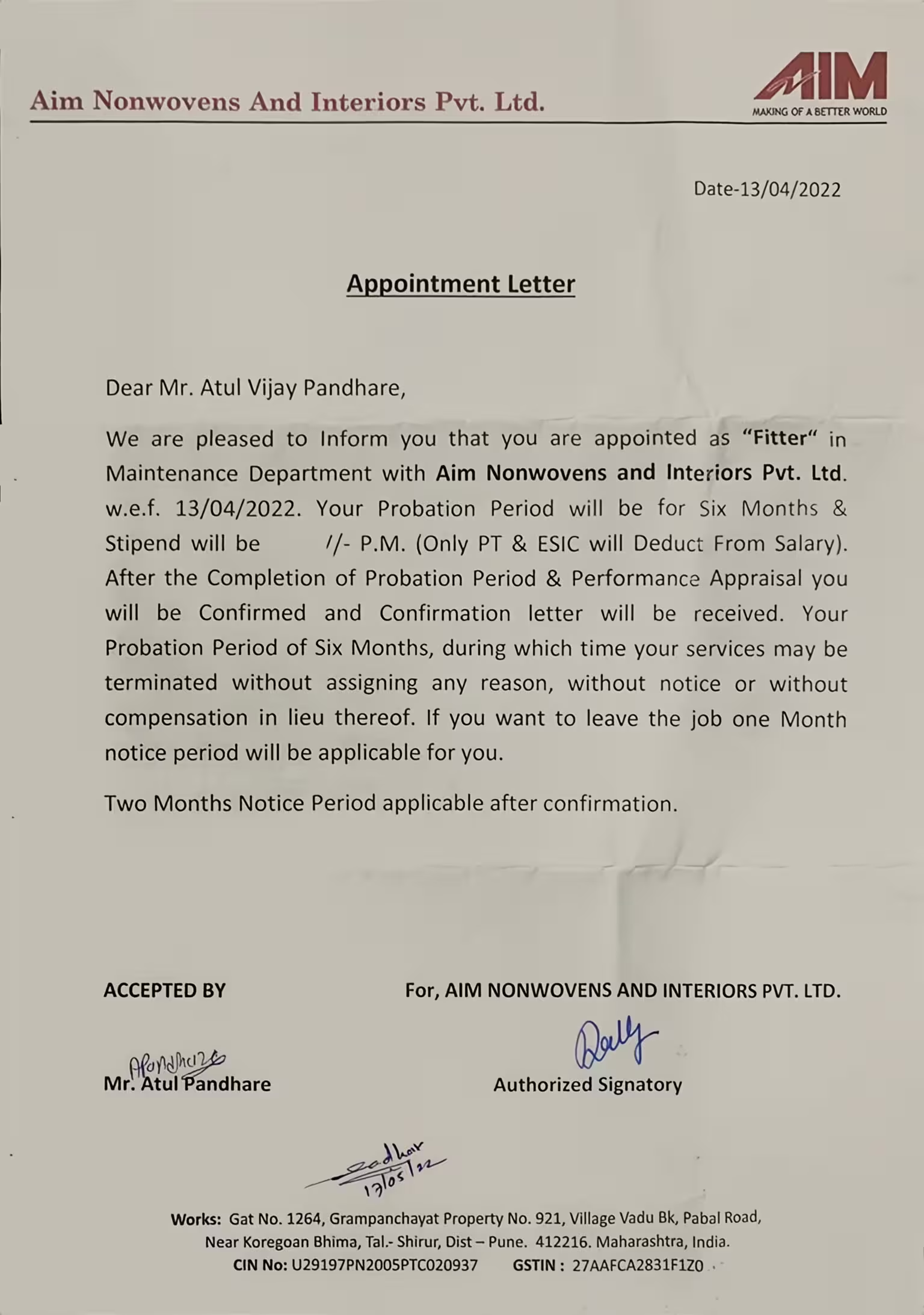
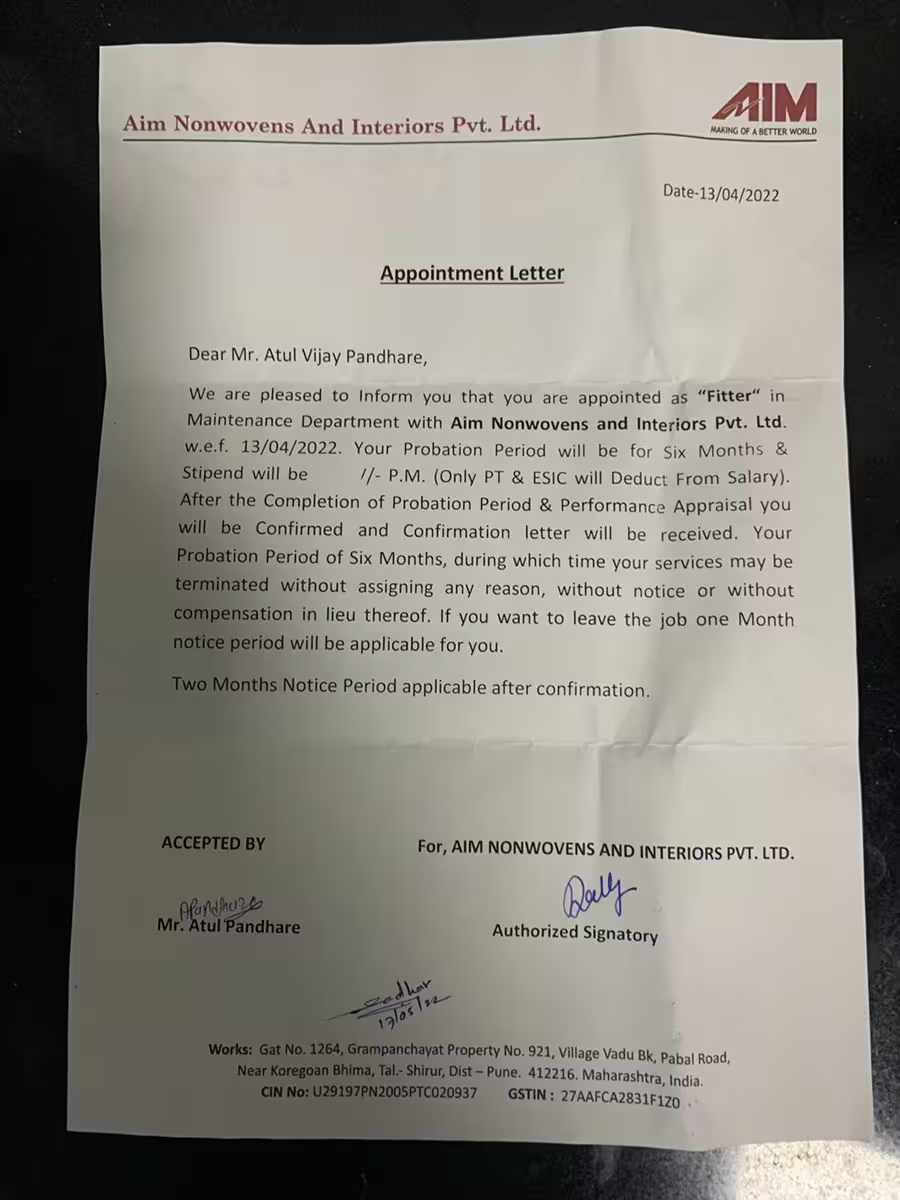
Upload an image or PDF page, let the AI text enhancer improve it, and compare the result with the original before downloading.
Try the AI image enhancer